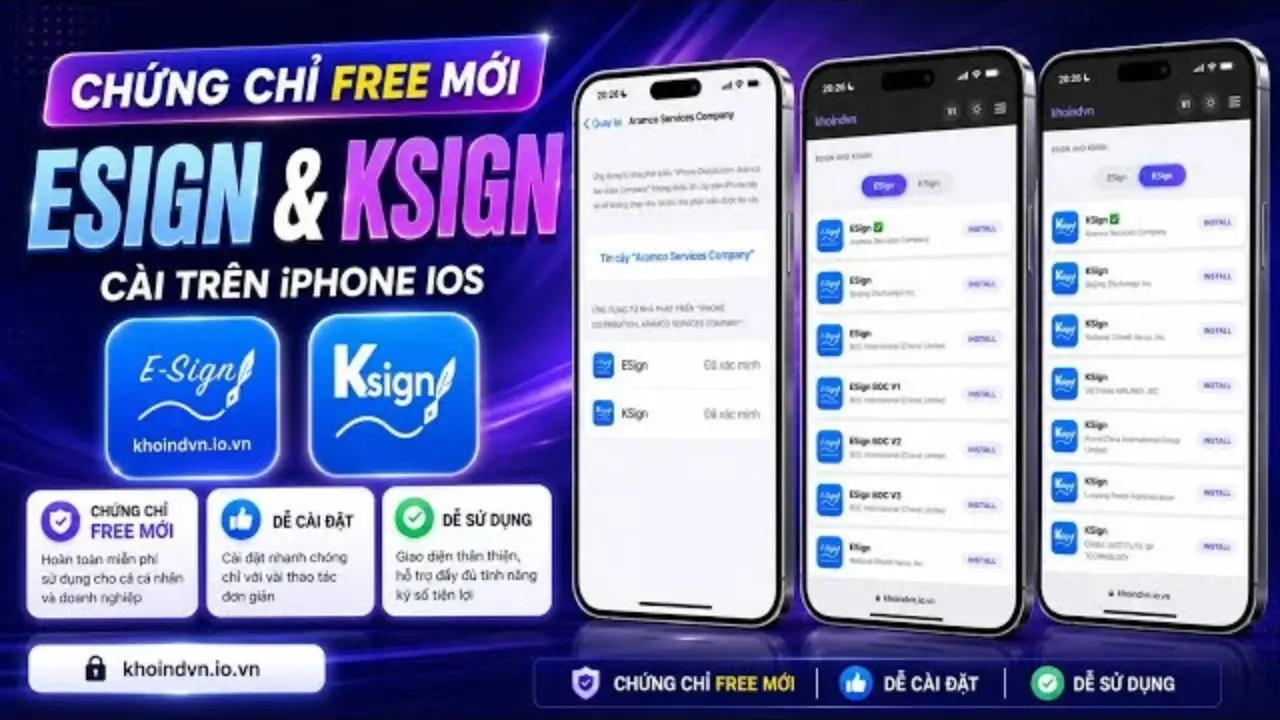
Khoindvn.io.vn Security, Privacy, Downloads, And Signs
Khoindvn.io.vn is a domain name, but a domain alone does not establish who operates a site, what it offers, or whether it is safe to use. If you encountered this address in a link, message, search result, or download prompt, treat it as an unfamiliar website until you can verify its purpose and operator through reliable information.
A careful check takes only a few minutes. Look at the complete address, inspect the page for clear ownership and policies, avoid entering sensitive data, and do not download files or approve permissions unless you understand exactly what is being requested.
What the domain name does—and does not—tell you
The final part of the address, .vn, is Vietnam’s country-code top-level domain. The address also contains .io.vn, which is a domain structure under that country-code space. This can suggest an association with a Vietnamese domain namespace, but it does not by itself prove the site owner’s location, identity, legitimacy, or service quality.
Likewise, a short name such as “khoindvn” is not enough to reliably identify a company, app, organization, or person. Names can be newly registered, reused, or chosen to resemble other names. Avoid drawing conclusions from the spelling alone.
How to check khoindvn.io.vn safely
Start with observation rather than interaction. You do not need to sign in, install anything, or share personal details to perform a basic credibility review.
- Check the full URL. Confirm that the address is spelled exactly as expected. Watch for extra words, unusual subdomains, swapped letters, or links that redirect to a different domain.
- Look for a clear purpose. A legitimate public-facing site should usually make its service, organization, or contact route understandable. Vague claims, copied-looking text, and pages that immediately demand action are reasons to slow down.
- Identify the operator. Look for a company or organization name, a contact method, terms of use, and a privacy notice where relevant. Their presence is not proof of trustworthiness, but a site handling accounts or payments without basic identity information deserves extra caution.
- Review requests before agreeing. Be wary if the site asks for passwords, one-time verification codes, identity documents, card details, cryptocurrency transfers, remote access, or browser notifications before explaining why.
- Do not install unverified files. Treat executable files, browser extensions, mobile app packages, configuration profiles, and “security updates” from an unfamiliar site as high risk.
- Check independent information. Search for the domain and operator name in reputable news coverage, official social profiles, app-store listings, or recognized business channels. Give more weight to sources that can be independently verified than to testimonials shown on the site itself.
HTTPS is useful, but it is not a trust guarantee
A padlock icon or an address beginning with https:// means the connection between your browser and the website is encrypted. This helps protect information in transit from ordinary interception.
Hibbett Sports Guide Shoes, Apparel, Sneaker Releases & More
It does not confirm that the operator is honest, that the content is accurate, or that it is safe to provide information. Fraudulent and poorly managed sites can also use HTTPS. Think of it as a basic connection safeguard, not an endorsement.
Warning signs that deserve extra caution
One imperfect detail does not automatically mean a site is malicious. Still, multiple warning signs should change your decision from “continue” to “verify independently” or “leave.”
- Pressure to act immediately, often paired with threats of account loss, missed rewards, or legal trouble.
- Unexpected requests for login credentials, recovery codes, banking details, or identity documents.
- Promises of unusually high returns, guaranteed earnings, giveaways, or exclusive access with little explanation.
- Downloads that are required before you can read basic information about the service.
- Pop-ups asking you to allow notifications, install extensions, or grant device access without a clear need.
- Contact details that do not work, inconsistent company names, or policies copied from an unrelated business.
- Poorly explained payment instructions, especially requests for irreversible transfers or payment through personal accounts.
- A link that arrived unexpectedly through email, text, social media, a chat group, or an advertisement.
These patterns matter more when a site deals with money, accounts, personal data, software downloads, or private communications.
Soccer Ball Sizes, Designs, Technology, Drawing Tips
What to verify before creating an account
Creating an account can expose more information than simply viewing a page. Before registering on khoindvn.io.vn or another unfamiliar service, decide whether the site has a clear reason to need the information it requests.
| Item to check | Why it matters | A safer approach |
|---|---|---|
| Account information | Email addresses and phone numbers can be used for marketing, phishing, or account recovery attempts. | Share only what is necessary and use a unique password. |
| Privacy notice | It should explain, in understandable terms, what data is collected and how it may be used. | Do not proceed if sensitive collection is unexplained. |
| Payment request | Payments can be difficult or impossible to reverse, depending on the method. | Verify the merchant and terms independently before paying. |
| App or extension | Installed software may request broad access to files, browsers, messages, or accounts. | Use official app stores or the known publisher’s verified channels where possible. |
| Login method | Signing in through another account can disclose profile information or grant permissions. | Read the permission screen and decline unnecessary access. |
Use safe browsing habits with unfamiliar links
Safe handling is less about judging a domain by its appearance and more about limiting exposure until verification is complete. A few routine habits reduce the impact of misleading or compromised pages.
Open links carefully
Do not rely solely on the visible text of a link. On a desktop browser, hovering may reveal the destination. On a phone, press and hold a link to preview it when the browser supports that option. If a message claims to come from a business, type the known official address yourself or use a saved bookmark instead of following the message link.
Keep credentials separate
Never reuse an important password on an unfamiliar service. A password manager can create and store a different strong password for every account. This limits damage if one service suffers a breach or was never legitimate.
Do not share verification codes
One-time codes sent by text message, email, or an authenticator app are meant to prove control of your account. A real support representative should not need you to disclose them. Treat any request for a code as a serious warning sign.
Keep software updated
Browser, operating-system, and security updates help address known vulnerabilities. Install updates through your device settings, official stores, or established vendor channels—not from unexpected website pop-ups.
If you already entered information or downloaded something
Act promptly, but do not panic. The right next step depends on what was shared and what access the site received.
- Password entered: Change that password immediately, beginning with the affected account. Change it anywhere else it was reused, then enable multi-factor authentication where available.
- Verification code shared: Change the related password and review account recovery methods, active sessions, and recent activity. Contact the account provider through its official support channel if you see unfamiliar changes.
- Payment or financial details supplied: Contact the relevant payment provider or bank using contact details from its official website, app, or statement. Explain exactly what was shared and follow its security process.
- File, app, or extension installed: Disconnect from sensitive accounts until you can review the device. Remove suspicious extensions or software, run a trusted security scan, and seek qualified technical help if you are unsure what was installed.
- Identity documents shared: Keep records of what was sent and monitor relevant accounts for unexpected activity. Follow the guidance of the organization that issued the document or the service involved if misuse is suspected.
Can a domain registration lookup prove a website is legitimate?
No. Registration records can sometimes provide useful technical or administrative clues, such as registration dates or name-server information, but they are not a seal of approval. Privacy protection, reseller arrangements, and changing records can limit what is visible. A legitimate service may have limited public registration data, while a harmful site may have seemingly normal registration details.
Use registration information as one piece of a broader review. The site’s stated identity, behavior, security requests, independent reputation, and consistency with official channels are more important than any single signal.
Frequently asked questions
Is khoindvn.io.vn automatically safe because it uses a .vn domain?
No. A country-code domain indicates the namespace used for the address, not a safety rating. Evaluate the operator and the site’s behavior before sharing data, money, or device access.
Should I enter my email address just to view a website?
Only if there is a clear reason and you are comfortable with the site’s identity and privacy practices. If basic information is hidden behind an unexplained sign-up form, consider that a reason to verify the service first.
Is a browser security warning always correct?
Warnings can have different causes, but they should not be ignored. Leave the page and investigate through a trusted route rather than bypassing a certificate, malware, or deceptive-site warning.
Can online reviews confirm that a website is trustworthy?
Reviews may offer context, but they can be incomplete or manipulated. Check whether reviewers are identifiable, whether feedback is consistent across independent platforms, and whether the underlying business details can be verified.
What is the safest way to reach a service I found through a message?
Use an independently known official address, app, or support channel instead of the link in the message. This avoids many impersonation and phishing attempts.
Conclusion
Khoindvn.io.vn should be treated as an unverified website unless its owner, purpose, and security practices can be confirmed through dependable sources. Do not let a familiar-looking address, HTTPS padlock, or urgent message substitute for verification.
Before signing in, paying, downloading, or sharing personal information, check who operates the site, why it needs the requested access, and whether its claims match reliable information outside the site. If anything feels unclear or pressuring, leaving the page is the safer choice.